Membership, waivers, check-in, the door, bookings and the bill — the parts every club runs the same way, built once and kept running for you. On top sits the part that is yours: the draw, the route book, the ladder.
2Kinds of club running on it today
15Things every club gets, from members to money
4Your website, your office, your members' app, and the system behind them
0Of your data another club can ever see
Why one system
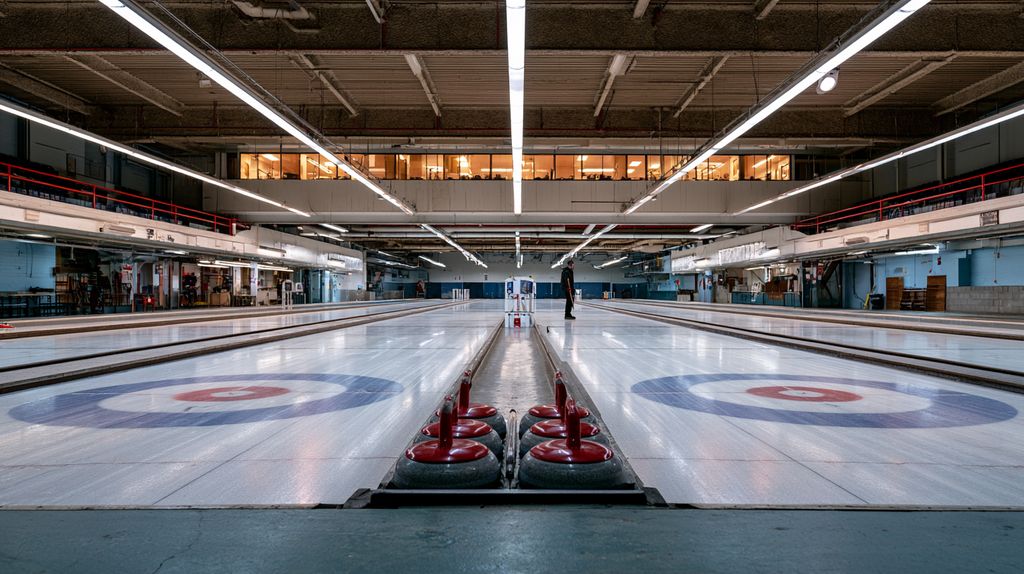
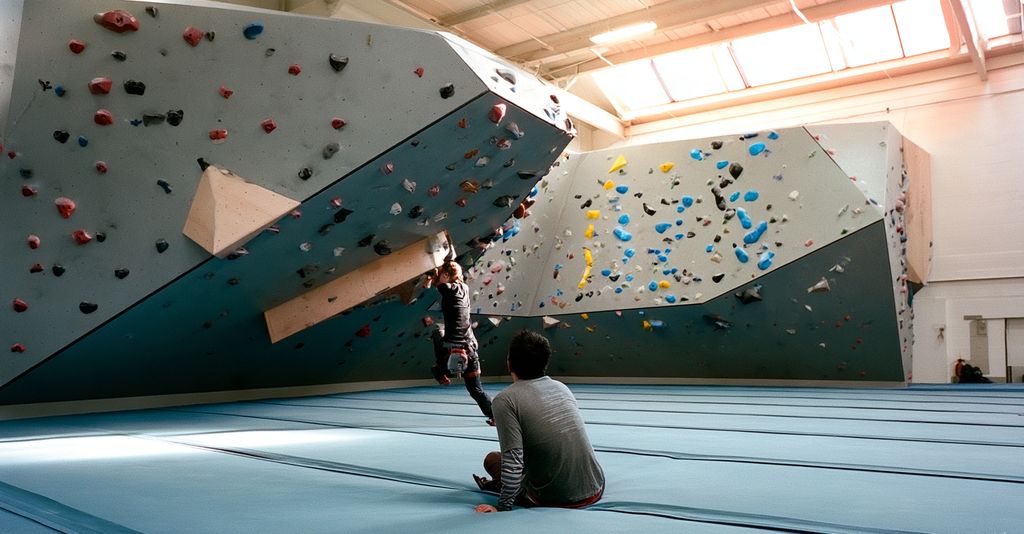
A curling club and a climbing gym are the same business.
Both sell a membership for a season. Both need a signed waiver before anybody sets foot on the floor, and a guardian's signature if the member is twelve. Both put a roster in front of an office, take money at a desk and online, open a door for people in good standing and not for anybody else, rent the place out on a Saturday, and send the same email to forty people on a Tuesday night.
Then one of them draws a round robin onto six sheets of ice, and the other one strips a wall and sets nine new problems on it. That difference is real — and it is perhaps a tenth of the software.
What every venue shares
Members, roles and the office roster
Waivers, guardians and verification
Check-in that works with no signal
Door access, granted by standing
Bookings that cannot double-book
Invoices, Stripe, and cash at the desk
Email and push, segmented
News, calendar, documents, sponsors
Pick your kind of club
Same system. Your colours.
Press one. The page takes on that club's colour and its own module — and everything underneath stays exactly where it was. That is how your club's site is built too: your colours, your content, our core.
Showing: venueOS — every kind of club
Your sport's module
Scheduling engine
Scoring & standings
Competitions
Your sheets, walls or courts
Sitting on the core every club gets
Members
Registration
Terms & rates
Waivers
Check-in
Door access
Bookings
Money
Payments
Communications
Duties & shifts
Content
Public feeds
Your data, only yours
Our support console
Running today
Two clubs are live.
Not mockups. Each was built with a real club, on that club's own rates, programmes and season — website, office, members' app, the lot.
Your website can go live this week on its own. The office console and the members' app come when you are ready for them — they all talk to the same system.
01 — static HTML
The website
A drop-in replacement for the venue's current site. Plain HTML, CSS and vanilla JavaScript — no Node, no build server, nothing to keep running. One self-contained directory per venue, uploaded to their own domain.
Register, sign a waiver, check in — maintained once, the same everywhere
Colours, type and content are the venue's own
The build refuses to finish if a page links outside its own directory
02 — React SPA
The office console
Where the venue actually runs. The desk, the office, the committee. Rosters, approvals, the schedule, the till, the rota, the broadcast — and the vertical's own tooling sitting alongside it.
Roles from front desk to treasurer to administrator
Every cross-venue read is written to an audit log
Onboards a venue and its first administrator in one transaction
03 — Expo / React Native
The companion app
The members' side. Their next booking, their card, their waiver, their bill. A rotating QR code for the door that works with no signal at all.
Sign a waiver on the phone, or from a public link with no account
Push broadcasts segmented the same way email is
The check-in code is derived on the device, not fetched
04 — Express + Postgres
The API
One deployment serving every venue on the platform. Tenancy is enforced by Postgres row-level security, not by convention — a missing WHERE clause returns nothing rather than somebody else's members.
One connection, one transaction, one tenant per request
Constraints in the database, not just the handler
JSON feeds and iCal for the public site
Getting started
Live in four steps.
01
Config
One file per venue: slug, name, colours, type, contact details, nav, footer. The stylesheet and the site are generated from it.
→
02
Onboard
The platform console creates the venue and its first administrator in one transaction. A venue nobody can sign in to is not a venue anybody can use.
→
03
Connect
Stripe onboarding is Stripe's, not ours — the venue is paid directly. Doors connect to the Kisi or Brivo account they already have.
→
04
Upload
One self-contained directory to the venue's own host. Plain HTML. Nothing to keep running, nothing of any other venue in it.
+ Tenancy enforced by Postgres, not convention+ One connection, one transaction, one tenant+ Every cross-venue read is audited+ Venue keeps its own domain and its own Stripe
Next
The next three are closer than they look.
Each one was picked because most of it already exists. A Legion hall is the curling club with the ice taken out; a racquet club is the same club whose sheets are courts.
Club and venue management software: one core for members, registration, waivers, check-in, door access, bookings, invoicing, payments and communications, plus a module for what the venue actually does — curling draws, climbing routes, and so on. It ships as a website, an office console, a members' app and an API.
Which kinds of venue does it run today?
Curling clubs (venueOS Curl, built with the Lindsay Curling Club) and climbing gyms (venueOS Crag) are in production. Legions and social clubs, racquet clubs and rinks are in build; nine further verticals are on the map, ranked by how much of the core already covers them.
Do we have to give up our website?
No — venueOS replaces it with a plain static site on your own domain, fed by the platform's JSON and iCal feeds. There is nothing to host or keep running, and the design uses your colours and content.
Where is our data, and who can see it?
In one Postgres database with row-level security enforcing tenancy, so one venue can never read another's rows. You keep your own domain and your own Stripe account, and every cross-venue read by platform staff is written to an audit log.
How does pricing work?
A platform fee per venue plus a commission on payments taken online through Stripe Connect. Cash, cheque, e-transfer and card taken at the desk carry no commission. See the pricing page for the current starting position.
Next step
Tell us what your venue does.
If the answer involves members, waivers, a door and a calendar, most of it is already built. Thirty minutes on a call will tell you which tenth is not.